

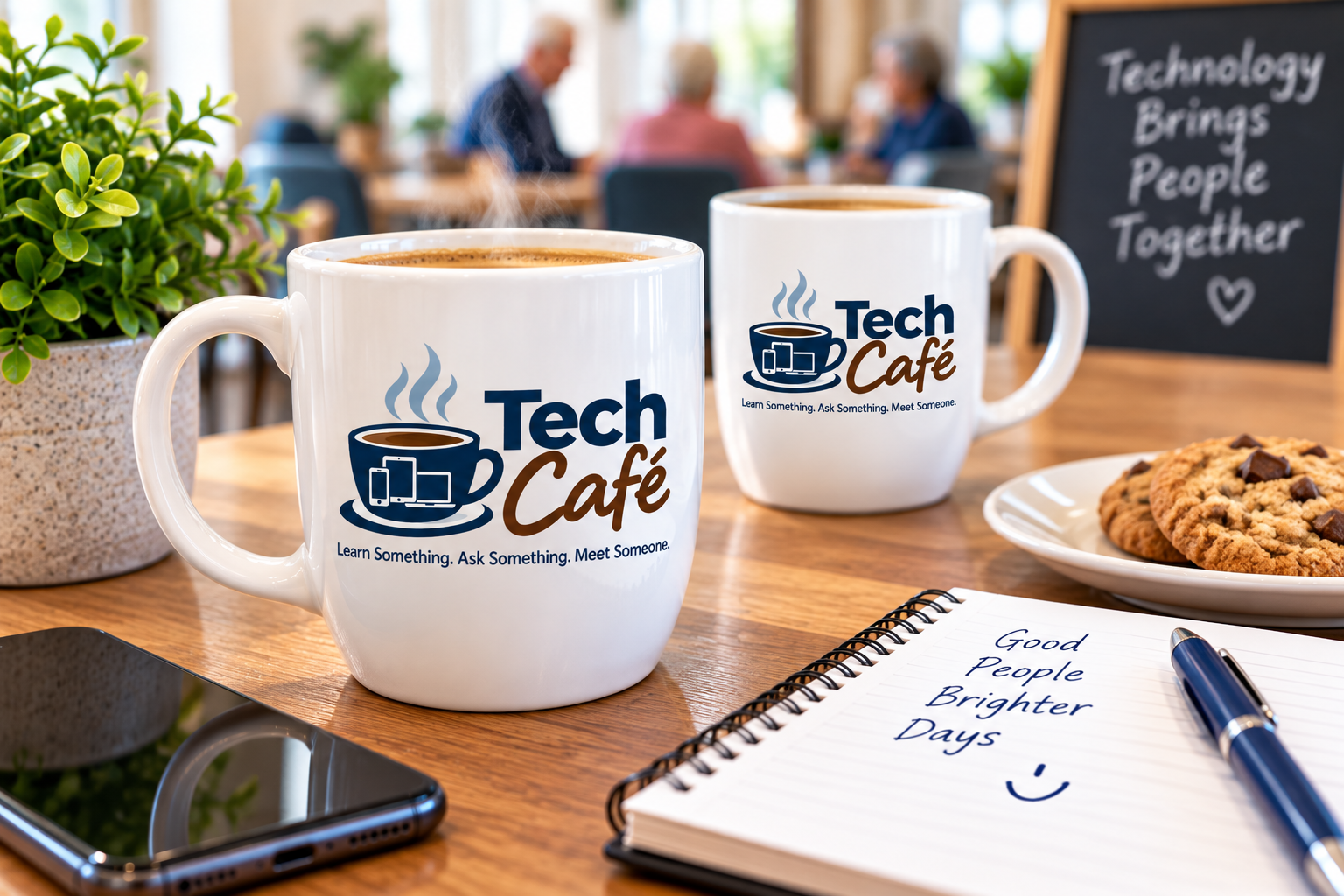
Bring Tech Café to Your Edmonton Retirement Community
Tech Café is a relaxed, social technology program where residents learn useful skills, ask questions and connect with one another.
Edmonton-area retirement communities and seniors residences can host a complimentary 60-minute Tech Café.
You provide the room. Residents bring their devices. Gary takes care of the session.
Technology Is Better When We Figure It Out Together

Phones, tablets and computers can do some amazing things.
They can also drive us crazy.
Where did my pictures go?
Is this text message a scam?
How do I video call my family?
What is this ChatGPT thing everybody is talking about?
At Tech Café, those questions aren’t interruptions.
They’re the agenda.
Residents learn something useful, get help with their own devices and share what they know—all in a comfortable setting where nobody is expected to understand everything.
Have a coffee. Pull out your phone. Let’s figure it out.

How Tech Café Works
Every Tech Café has three simple ingredients.

LEARN SOMETHING
Each session explores a practical topic such as smartphone photography, texting, online safety, passwords, video calling or artificial intelligence.
No long lectures. We try things together on our own devices.
ASK SOMETHING
There is always time for questions.
Residents can bring the technology problem that has been bothering them and we’ll work through it together.
MEET SOMEONE
Tech Café isn’t about sitting silently in front of a screen.
Residents talk, compare devices, help one another and have a few laughs along the way.
Technology is the topic.
Connection is the point.
Every group is different, so the program can be adapted around residents’ interests and questions.
📱 Smartphone Basics
Settings, shortcuts and features that make phones easier to use.
📸 Better Photos
Take them, find them, organize them and share them.
💬 Staying Connected
Text messages, voice typing, FaceTime and video calling.
🚨 Scams and Online Safety
How to recognize suspicious texts, emails, calls and links.
🔐 Passwords Without Panic
Passwords, verification codes and account security explained in plain language.
🤖 AI and Everyday Technology
ChatGPT, streaming, maps, email, apps and other useful technology.
Sessions can also become an Ask Gary Anything Café, where residents bring their devices and questions.
What Might We Learn?


Try a Tech Café — On Me.

I’m offering Edmonton-area retirement communities and seniors residences a complimentary 60-minute Tech Café.
The session includes:
A practical featured topic
Hands-on help using residents’ devices
Time for resident questions
Ideas for future sessions based on residents’ interests
A friendly, patient and jargon-free environment
There is no obligation to continue.
If residents enjoy the Café and want me back, we can discuss making it part of your regular activity calendar.

MAKE IT A REGULAR THING
“Is Gary Coming This Week?”
That’s what I’m trying to build.
Not a computer course that ends after four weeks, but a regular gathering residents look forward to.
Tech Café can be offered weekly, biweekly or as an occasional resident program. Each visit combines a useful topic, hands-on practice, open questions and conversation.
Programming is arranged directly with each community.
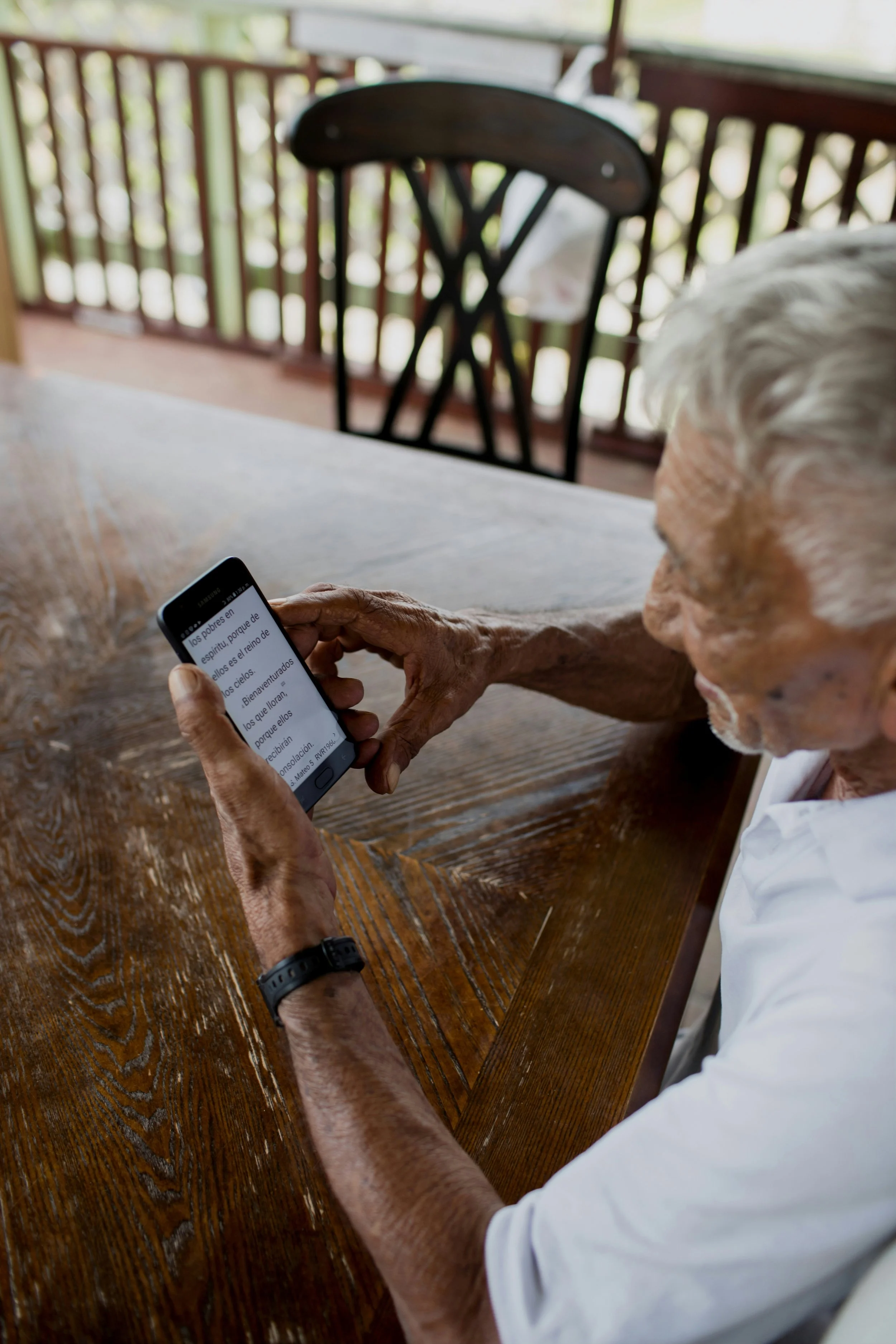
One-on-One Tech Help
Some questions need more time than a group Café can provide.
Private assistance is available for residents and families who need help setting up a device, organizing photographs, learning an app or solving a particular problem.
Your device. Your questions. Your pace.
Meet Gary Mochoruk

Experienced, Patient and Edmonton-Based
Gary Mochoruk holds a Bachelor of Applied Arts in Instructional Media and has spent nearly four decades working in television, communications and education.
For six years, he worked with Edmonton Catholic School Division’s Learning Services Innovation team, producing instructional content, professional-development events and technology-supported learning programs.
Gary combines practical technology experience with something equally important: the patience and communication skills to explain it clearly.
No jargon. No rushing. No making anyone feel foolish for asking a question.

Let's Try One.
No long-term commitment. No complicated proposal.
Let’s put some coffee on, invite your residents and see what happens.
Complimentary 60-Minute Tech Café
For Edmonton-area retirement communities and seniors residences.

Learn Something. Ask Something. Meet Someone.
Learn Something. Ask Something. Meet Someone.
A social technology program for seniors in Edmonton.
Smartphones • Tablets • Photos • Scams • Online Safety • Video Calling • Passwords • AI • Everyday Technology
©️2026 Gary Mochoruk